
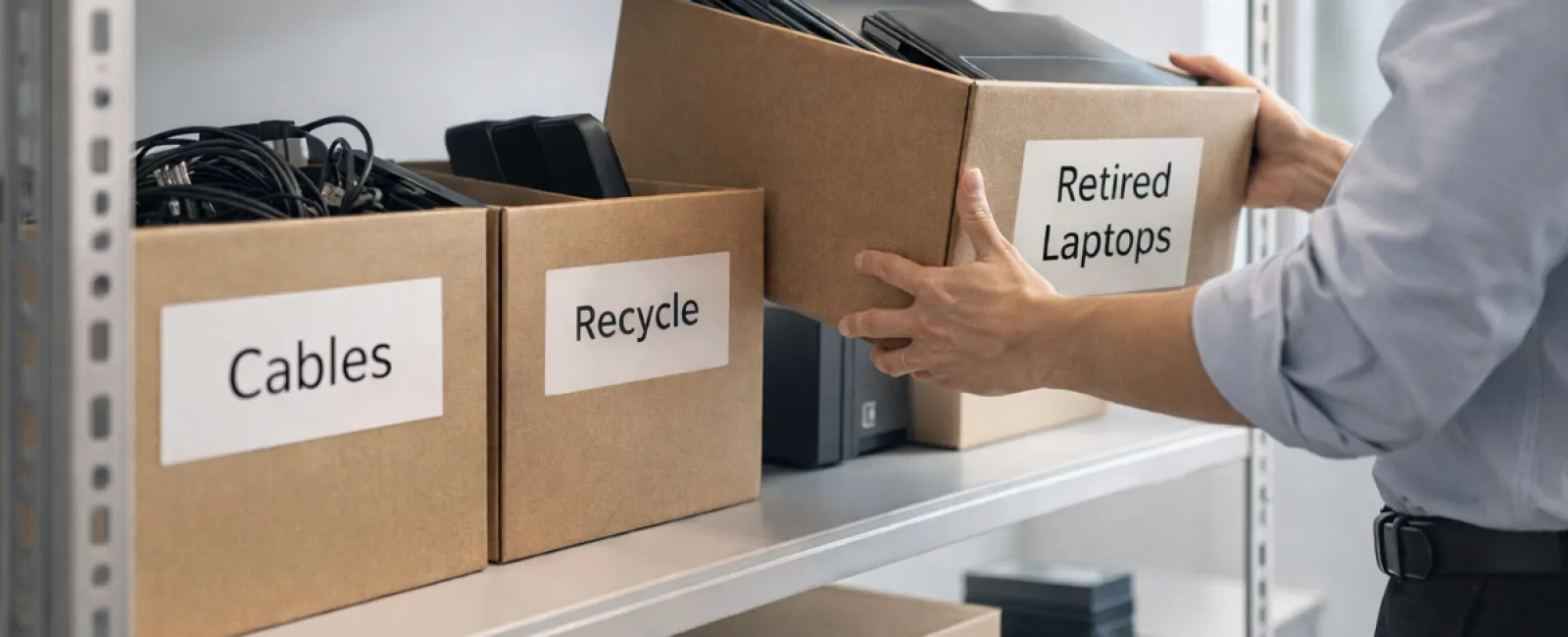
While spring cleaning often begins with tidying closets, many businesses face clutter much deeper than their racks.
It might be stored on a server rack, tucked away in storage rooms, or piled up in a "deal with later" box in the back office.
Old laptops, retired printers, backup drives from several upgrades ago, and boxes filled with cables saved "just in case."
Every company accumulates these tech backlogs.
The real question is not if this exists, but whether you have a clear plan for handling it.
Technology Has a Lifecycle Beyond the Purchase Date
When acquiring new equipment, the reasons are usually straightforward: improved speed, enhanced security, expanded capabilities, or supporting business growth.
While many businesses carefully plan technology purchases, few strategize how to retire outdated devices.
Equipment retirement often happens quietly—a device is replaced and put aside until space needs to be cleared.
This is typical.
What's unusual is approaching technology retirement with the same intentionality as its acquisition.
Old tech holds residual value, recyclable parts, and sensitive data; unmanaged, it clutters space and distracts your operations.
Springtime is ideal to pause and ask: What's still useful, and what is just taking up room?
Four Steps to Effectively Clear Out Your Tech
Turn talk into action with our straightforward four-step method.
Step 1: Conduct an Inventory
Identify what's ready to retire—laptops, phones, printers, network hardware, external drives? You can't manage what you don't recognize, and a thorough survey often uncovers surprises.
Step 2: Determine the Path Forward
Devices usually fit into three categories: reuse (internally or donated), recycle (via certified e-waste programs), or destroy (for sensitive data). Making clear decisions prevents hardware from getting lost in storage limbo.
Step 3: Prepare Devices Correctly
Proper preparation makes a huge difference.
If reusing or donating, remove devices from management systems, revoke user access, and ensure thorough data wiping—not just factory resets. Simple deletion or formatting only hides data; it doesn't erase it.
Research by data security firm Blancco revealed 42% of drives resold on eBay still contained sensitive information, despite sellers claiming proper erasure. Certified tools overwrite every sector and provide verification reports.
For recycling, choose certified e-waste providers instead of dumpsters or curbside. Popular programs like Best Buy's apply only to households, not businesses.
Business-grade recycling requires IT asset disposition (ITAD) providers bearing e-Stewards or R2 certification (directories at e-stewards.org and sustainableelectronics.org). Your IT provider can often coordinate this.
Device destruction demands certified wiping or physical methods (professional shredding or degaussing). Keep detailed records: serial numbers, method, date, and responsible personnel.
This is about closing the loop responsibly—not paranoia.
Step 4: Record and Move Forward
After equipment leaves your premises, track its destination, handling method, and access revocation. Document all to avoid future uncertainties.
Devices Often Overlooked in Retirement
Laptops get attention but other devices often slip under the radar.
Phones and tablets can still contain email accounts, contacts, and authentication apps. Factory resets cover most data but business devices benefit from certified mobile wiping. Major brands offer trade-in programs, often with credit toward new gear.
Modern printers and copiers store data on internal drives, keeping copies of every printed, scanned, or faxed document. If returning leased equipment, confirm in writing that hard drives will be erased or removed before redeployment.
Batteries are classified as hazardous waste by the EPA. In several states (including California, New York, Minnesota), businesses cannot discard rechargeable batteries in regular trash. Remove batteries where possible, tape terminals to prevent shorts, and drop them off at certified centers such as those mapped on Call2Recycle.org or at Staples, Home Depot, or Lowe's.
External drives and retired servers often linger in closets longer than planned but require the same careful retirement process as other devices.
Recycling: A Critical Environmental Responsibility
Earth Day reminders in April highlight the importance of responsible electronics disposal.
Millions of tons of e-waste are generated yearly, yet just 22% is properly recycled. Batteries, monitors, and circuit boards belong in certified recycling streams, usually provided by community programs.
Proper technology retirement combines operational efficiency, environmental care, and strategic foresight. Responsible disposal doesn't mean compromising security—you can achieve both.
Sharing your eco-conscious tech practices on social media positively impacts your brand's reputation—customers notice genuine responsibility without showy announcements.
Unlocking Greater Potential
Spring cleaning isn't just about discarding items—it's about making room to grow.
Clearing outdated gear is only one facet. As you assess hardware, consider broader questions: Does your technology truly support your business goals?
While hardware changes, software, systems, automation, and streamlined processes drive lasting productivity and profitability.
Properly retiring old equipment is smart maintenance; ensuring your remaining technology aligns with your vision propels your business forward.
How We Can Help
If you already follow a clear retirement process, you're on the right track—this should be smooth and routine.
But as you think about replacing hardware wisely, it's the perfect opportunity to review your entire tech ecosystem: Are your tools streamlined? Do they integrate effectively? Is your technology helping you scale or just maintain operations?
If you want to step back and evaluate how your tech stack, systems, and workflows impact your productivity and profits, we're here to talk.
No pressure, no equipment checklists—just practical advice on optimizing technology for your business success.
Click here or give us a call at 316-867-4566 to schedule your free 15-Minute Discovery Call.
If this sparked ideas for another business, don't hesitate to share.
Don't limit spring cleaning to closets; refresh the systems that drive your business.


