
Imagine you're midway through a long five-hour drive to visit loved ones for the holidays. Your daughter asks, "Can I play Roblox on your laptop?" The catch? It's your work laptop—packed with client files, financial records, and full access to your business. You're drained from packing, the trip still isn't over, and letting her play seems like an easy way to keep her entertained. What could go wrong?
The truth is, holiday travel introduces unique security risks that don't exist in your everyday routine. Distractions, fatigue, unfamiliar public WiFi, and juggling family time with work checks can expose your data. Whether your trip is for business, leisure, or a delicate mix of both, here's a comprehensive guide to safeguarding your information while keeping the holiday spirit intact.
Essential 15-Minute Pre-Trip Security Setup
Dedicate just 15 minutes before you hit the road to protect your devices and data:
Device Essentials:
- Update all software and security patches immediately
- Backup crucial files securely to the cloud
- Set your screen to auto-lock within two minutes
- Enable "Find My Device" for smartphones and laptops
- Fully charge portable power banks
- Bring your own chargers and adapters to avoid last-minute scrambles
Discuss Expectations With Your Family:
- Make clear which gadgets kids can and cannot use
- Provide a dedicated family tablet or device for entertainment
- Set up separate user profiles on your laptop if children must use it
Pro tip: For road trips, offer your children a tablet that's completely separate from your work accounts. Investing in a $150 iPad is a small price compared to the risk of a costly data breach.
Hotel WiFi: Security Risks Everyone Overlooks
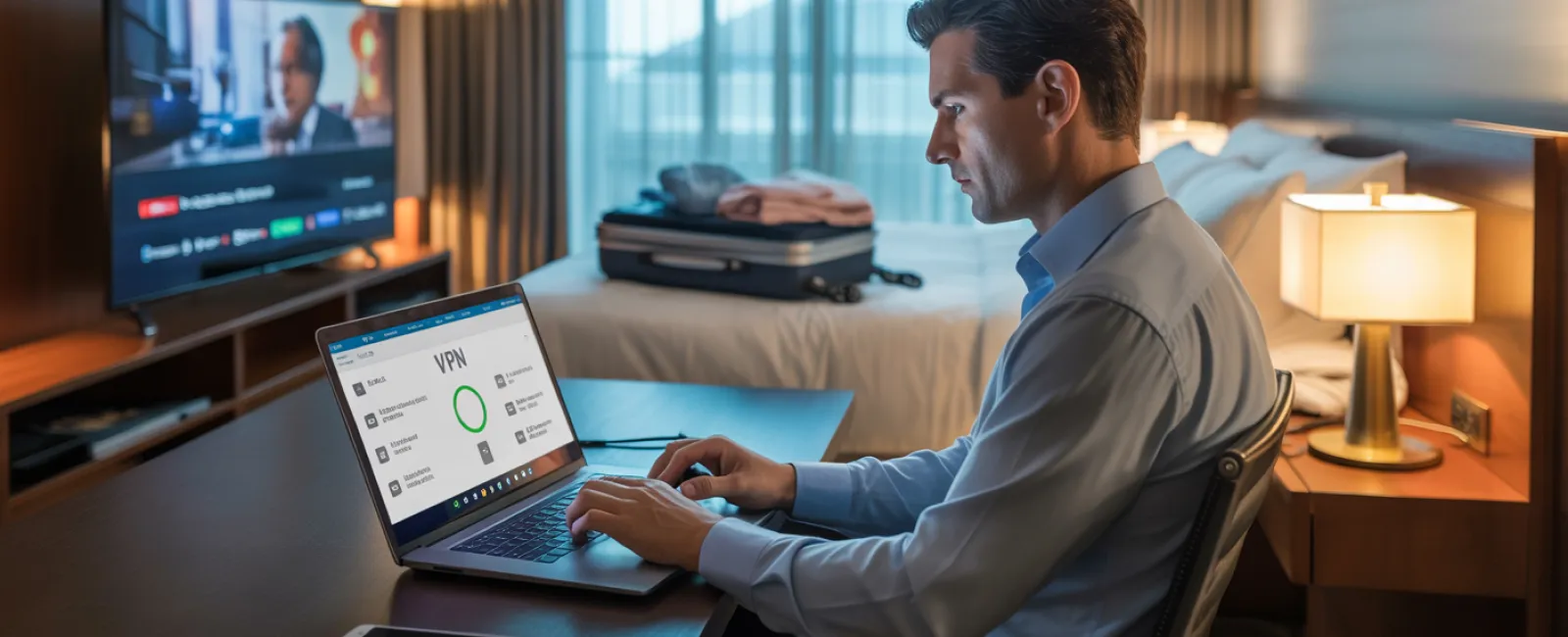
After arrival, your entire family is connected to the hotel's WiFi—phones, tablets, laptops, gaming consoles. The teenager streams Netflix, your spouse checks emails, while you attempt to finalize a proposal before a big meeting.
The danger? Hotel networks are public and shared among hundreds, including individuals who may have malicious intent.
True story: One family's devices connected to a fake WiFi network set up near the hotel parking lot. For two full days, every online action—passwords, credit card details, emails—was intercepted.
How to protect yourself:
Confirm the exact network name by asking the hotel staff directly; never guess.
Use a VPN for work-related access—it encrypts your connection and shields your data.
For sensitive activities like banking or client work, use your phone's mobile hotspot instead of hotel WiFi.
Separate work and leisure usage: Kids can stream content on hotel WiFi, but for confidential work, rely on your own secured connection.
The Dilemma of Sharing Your Laptop
Your work laptop contains critical business information—emails, financial accounts, client files. Meanwhile, your kids want to watch videos, play games, or video chat.
Why this matters: Children can inadvertently download malware, click on harmful pop-ups, share passwords, or forget to log out. While innocent, these actions pose significant security threats on a work device.
Practical solutions:
Politely but firmly decline the use of your work laptop for non-work activities—offer an alternative device.
If sharing is unavoidable:
- Create a separate, restricted user profile
- Closely monitor their activities
- Prohibit any downloads
- Avoid saving their login credentials
- Clear browsing data once done
Even better: Bring a dedicated family device for trips—an older tablet or laptop disconnected from work accounts.
Streaming on Hotel TVs: Don't Forget to Log Out
Your family enjoys a movie night using your Netflix account on the hotel's smart TV. But when checkout comes, you forget to sign out.
The risk: The next guest gains access to your Netflix profile and potentially other accounts if passwords overlap (fingers crossed they don't).
Smart fixes:
- Stream using your own device and cast to the TV for safer access
- Set a phone reminder to sign out of all accounts before checkout
- Better yet, download entertainment onto your devices ahead of time to avoid using public TVs entirely
Never log in to these apps on hotel TVs:
- Banking and financial apps
- Work systems and emails
- Social media platforms
- Any service with saved payment details
Lost Device? Act Quickly to Minimize Damage
Travel disruptions happen—devices get left behind everywhere. If your device disappears...
Within the critical first hour:
- Immediately locate the device using "Find My Device"
- If recovery is unlikely, lock it remotely
- Change passwords on all sensitive accounts from a secure device
- Contact your IT support or managed service provider to revoke access
- If sensitive data was stored, promptly notify affected individuals or clients
Before you travel, ensure devices have:
- Remote tracking enabled
- Strong password protections
- Automatic data encryption
- Remote wipe capabilities
Family member's device gone missing? Follow the same protocol: locate, lock, change passwords.
The Rental Car Bluetooth Data Pitfall
When you connect your phone to a rental car's Bluetooth to stream music or get directions, the car stores your contacts, call logs, and sometimes even message previews.
Many rental vehicles don't automatically erase this data, leaving your personal information accessible to the next driver.
Quick 30-second cleanup before returning the car:
- Remove your phone from the Bluetooth settings
- Clear recent GPS destinations
- Or better yet, use an aux cable or avoid Bluetooth connections altogether
Balancing Work and Vacation: Set Clear Boundaries
You vowed this trip was family-only, yet you've already checked email dozens of times, taken multiple quick calls, and spent hours on your laptop—all while others enjoyed activities.
This constant switching saps your focus and increases security risks like clicking unsafe links or connecting to insecure networks.
Here's the honest truth: If unplugging fully isn't possible, carve out firm boundaries:
- Limit work email checks to two specific times per day
- Use your phone's hotspot for work, not hotel WiFi
- Work privately in your hotel room, away from public areas
- Stay fully present during family moments without work distractions
Ultimately, the best protection is real downtime. Your business will survive a week offline, and you'll return sharper and more secure.
Adopting a Security-Minded Holiday Travel Approach
The reality is that juggling work and family during holiday trips is complicated. Kids might occasionally need your laptop. Emergencies might demand quick email checks while driving.
The goal isn't perfection—it's deliberate risk management:
- Prep all your devices before departure
- Know which tasks are high risk (like banking on public WiFi) versus safer (using your hotspot)
- Separate work data from family activities as much as possible
- Have a clear action plan for potential issues
- Learn to say "Not on this device"—and stand by it
Create Lasting Holiday Memories — Not Security Nightmares
The holidays are for cherishing time with loved ones—not dealing with the fallout from a data breach or apologizing to clients for compromised information.
With simple preparation and smart rules, you can keep your business secure without dampening everyone's vacation. Your family enjoys the season, your business stays protected, and everyone benefits.
Need expert guidance on travel security policies for you and your team? Click here or give us a call at 316-867-4566 to book a free 15-Minute Discovery Call with us.We'll help you create practical policies that protect your business without making travel impossible.
Because the best holiday memories shouldn't include, "Remember when Dad's laptop got hacked?"


