
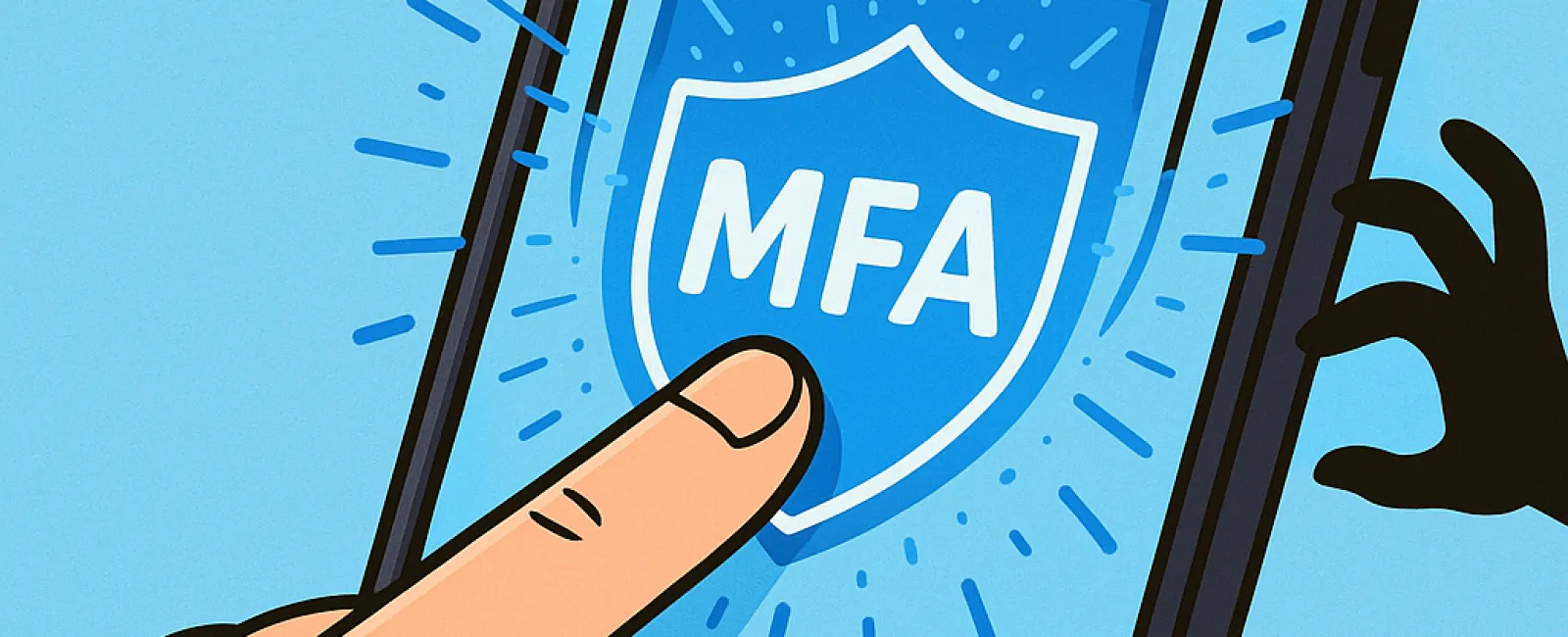
Just as you never drive without fastening your seat belt or leave your office unsecured overnight, going online without multifactor authentication (MFA) is a serious risk.
MFA acts as a vital second lock protecting your digital accounts. Instead of relying solely on passwords—which can be stolen, guessed, or phished—it adds an essential extra safeguard, like a text message code, an authentication app prompt, or a fingerprint scan. Even if a hacker obtains your password, without completing this additional verification, they won't get through.
One Extra Step That Transforms Your Security
If a password is like locking your front door, then MFA is the security alarm you activate before settling in for the night. It's not just an option; it's a critical layer of defense ensuring your safety if one barrier is compromised.
MFA works by requesting a quick additional confirmation to verify your identity during login attempts. Although it's known by various names such as "two-step verification," "two-factor authentication," or "one-time password," all refer to the same powerful concept: requiring multiple steps to securely access your confidential data.
You'll find MFA in many forms—confirmation emails upon account creation, bank security questions, SMS codes, push notifications, and phone calls. Most of these require just a simple tap or code entry for swift completion.
How MFA Protects You in Real-Life Scenarios
While MFA demands minimal effort on your part—just entering a code or tapping a button—its impact on deterring hackers is profound. When an unauthorized login attempt occurs on your account, MFA triggers a notification or requires a code, instantly alerting you to potential breaches. This early warning lets you swiftly change passwords and lock down your data before harm occurs.
Additionally, MFA blocks unauthorized access even if a hacker tricks an employee into revealing login details. Without completing the extra verification step, intruders remain locked out. In fact, Microsoft's research shows enabling MFA reduces the risk of account compromise by over 99.2%, and by 99.99% when fully implemented.
Where to Deploy MFA and How to Get Started
Ensure MFA is activated in critical areas such as:
- Banking and financial applications
- Email and cloud storage services
- Social media accounts
- Work portals containing client or sensitive company data
Setting up MFA is typically simple. Most leading platforms have built-in options—just enable the method that fits your workflow best. For organizations, integrating an authenticator app enhances security for staff logins significantly.
Ultimately, MFA is a fast, free, and highly effective shield against the majority of cyberattacks. Spending a few minutes today to activate MFA can spare you from extensive damage and costly data breaches in the future.
The easiest path to MFA implementation is partnering with an experienced IT provider. A skilled MSP can streamline and customize the process to your needs. If you're in need of a cybersecurity expert, click here or give us a call at 316-867-4566 to set up a 15-Minute Discovery Call with our team now.


