
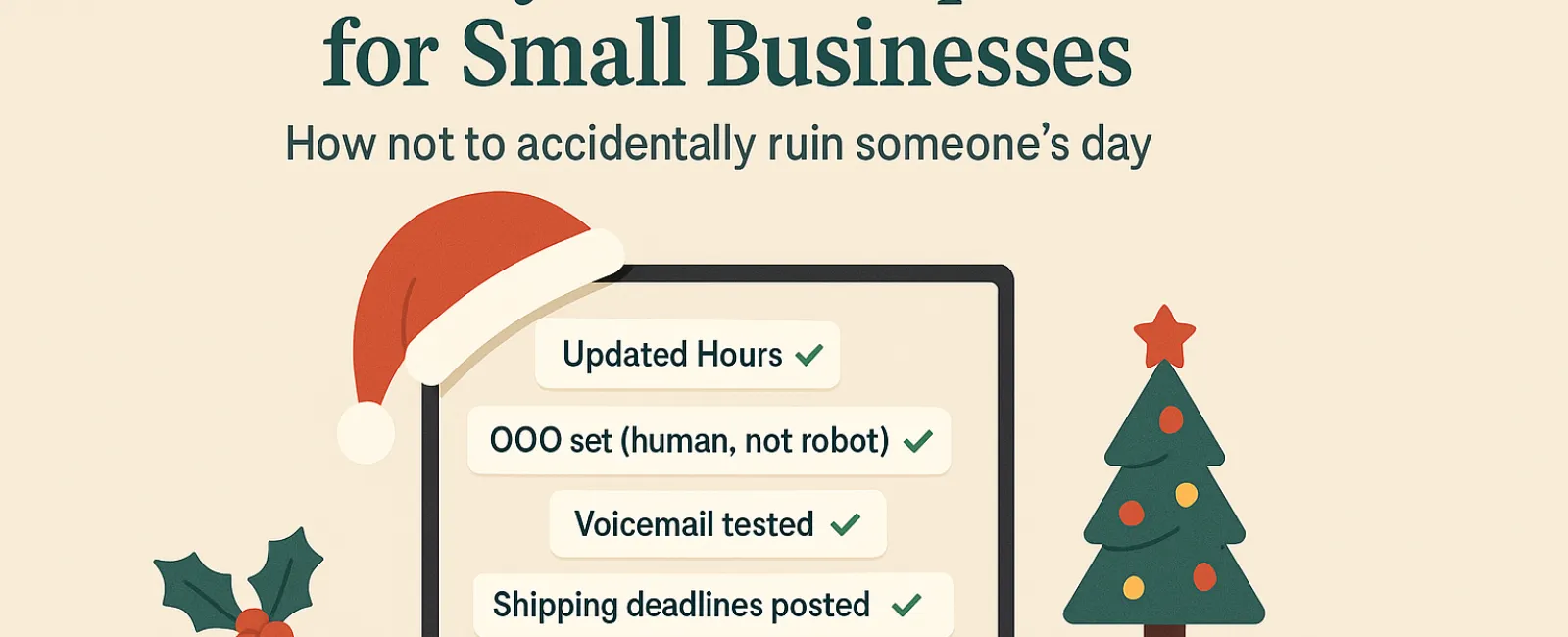
The holiday season can be overwhelming, especially when technology lets you down. With customers rushing to complete last-minute tasks and employees managing family commitments, expectations run high. The last thing you want is to add frustration with preventable tech issues.
Consider this your essential Holiday Tech Etiquette Guide—because no business wants to be remembered for causing holiday headaches.
1. Proactively Update Your Business Hours Across All Platforms
Imagine a customer racing across town during their lunch break, trusting Google's hours, only to find your storefront dark and closed. Congratulations—you've unintentionally become the villain of their day.
Make sure to update:
- Your Google Business Profile—this is crucial!
- Social channels like Facebook, Instagram, and Yelp where customers look for you
- Your website's banner with a clear holiday schedule
- Your Apple Maps listing (yes, people do use it!)
Example message: "Happy Holidays! We'll be closed from Thursday, Nov. 28 through Sunday, Dec. 1 to enjoy time with family. Regular hours resume Monday morning—likely with a turkey-induced haze, but eager to assist you!"
2. Craft Warm, Human Out-Of-Office Replies
Taking a break? Don't leave customers wondering if you've vanished into the holiday void. A thoughtful auto-response serves as your friendly virtual host—professional yet approachable.
Sample auto-reply: "Thanks for reaching out! Our office is closed for Thanksgiving from Nov. 28 to Dec. 1. We'll get back to you as soon as we're refreshed and caffeinated. For urgent matters, call (XXX) XXX-XXXX. Wishing you a joyful holiday season!"
3. Keep Your Out-of-Office Messages Concise and Professional
Resist the urge to overshare vacation plans. Customers don't need a detailed itinerary of Aunt Carol's house in Denver or the office manager's Cancún trip.
Besides being too much information, sharing personal details can pose security risks. Stick to key info like dates, response timelines, and alternative contacts. Save your travel tales for social media.
4. Verify Your Phone System Works Smoothly
Holiday callers are often stressed and hurried—make sure your voicemail greeting matches your true hours and doesn't cause confusion or wasted effort.
Pro tip: Call your own business to hear exactly what your customers hear. You'll be surprised how many companies still have outdated greetings from years ago.
Example voicemail: "You've reached [Business Name]. Our office is currently closed for the holiday weekend. Please leave a message; we will return your call Monday morning. For urgent needs, press 1 to connect with our on-call team. Happy Holidays and thank you for your patience!"
5. Clearly Communicate Shipping and Order Deadlines Early
If your business handles shipping or delivery, clearly advertise cutoff dates upfront and send timely reminder emails. Delays frustrate customers, but unclear expectations can harm your customer relationships.
No one wants the disappointment of a late anniversary gift arriving weeks after the day.
In Summary: Thoughtful Tech Etiquette Creates Happy Customers and Thriving Business
Holiday technology etiquette is straightforward: clearly set expectations, communicate warmly, and respect your customers' time. Small updates can minimize headaches and keep your business shining bright this season.
Remember: your goal isn't just to avoid issues, but to make customers feel valued even when you're away.
Looking to ensure your systems and customer experience remain seamless this holiday season? Call us at 316-867-4566 or click here to schedule your complimentary 15-Minute Discovery Call. Let's explore simple strategies to keep your business running smoothly while you enjoy your well-earned break.


